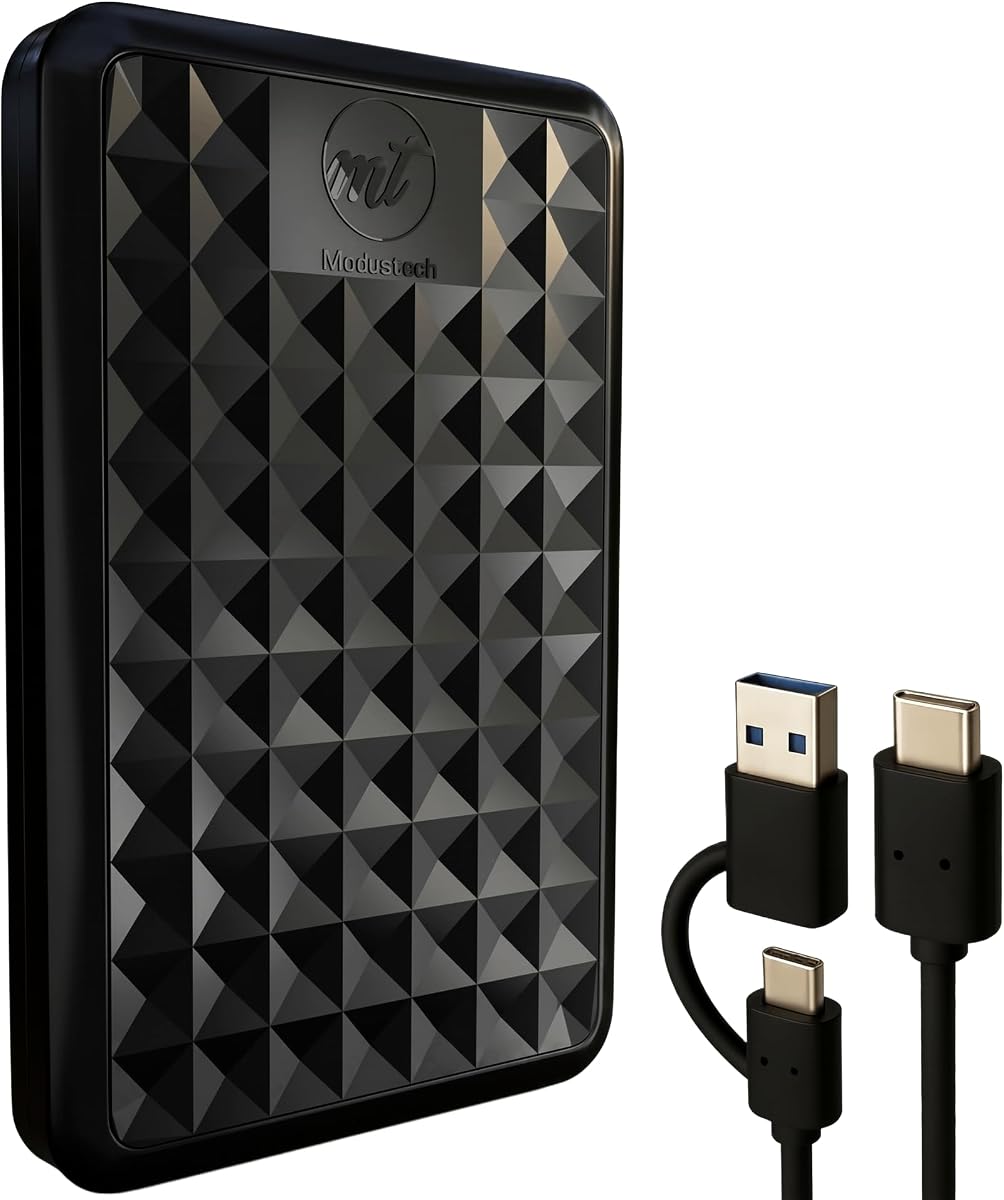
Facet 500GB External Hard Drive
4.1Editor score
USB-C and USB 3.1 connectivity
Preformatted in exFAT
Slim 2.5-inch design
This guide compares the top external hard drives for Chromebook users focusing on compatibility speed and durability to help you choose the best portable
Chromebooks offer great portability but limited internal storage. Adding an external hard drive solves this issue quickly. You need a drive that works seamlessly with Chrome OS and fits your budget.
We evaluated ten top models based on speed, durability, and compatibility. Each option was tested for plug and play ease and reliable data transfer. This list covers various capacities to match different storage requirements.
Each pick shows key features and real world performance. Prices change often so check the current deals before buying. This guide ensures you find the right drive for your Chromebook setup.
4.1Editor score

4.7Editor score

4.6Editor score
Here is a side by side comparison of all ten products. Each row shows key specs to help you decide quickly.


This WD Elements drive offers high capacity in a small enclosure. It boasts a 4.7 rating and stands out for its vast storage options.
We may earn a commission when you buy through this link, at no additional cost to you.
It features SuperSpeed USB 3.2 Gen 1 for fast transfers. The plug-and-play expandability makes it easy to use.
The small lightweight design offers up to 6TB capacity. This is ideal for consumers on the go.
It is the ideal companion for consumers on the go. We recommend it for needing reliable storage.
Store your photos videos music important documents and more with ease.
SuperSpeed USB 3.2 Gen 1 delivers 5Gbps speeds for quick access.
We may earn a commission when you buy through this link, at no additional cost to you.
This Facet drive gives dependable HDD storage in a slim design. It has a 4.1 rating and is great for budget needs.
We may earn a commission when you buy through this link, at no additional cost to you.
It features USB-C and USB 3.1 connectivity with a 2-in-1 cable. The plug-and-play nature means no drivers are needed.
The slim 2.5-inch design is easy to carry. It works with PC Mac and laptops out of the box.
It is a trusted external storage solution for everyday backup. This makes it a smart budget choice.
Connect to modern laptops USB-C iPhones tablets and older USB-A computers.
Ready to use the moment you plug it in with no setup.
We may earn a commission when you buy through this link, at no additional cost to you.
This Seagate drive allows you to easily store and access 2TB. It has a 4.6 rating and is designed for reliability.
We may earn a commission when you buy through this link, at no additional cost to you.
It is designed to work with Windows or Mac computers. This makes backup a snap with drag and drop.
The USB drive provides plug and play simplicity with the included cable. No software is required for setup.
It is an excellent choice for those needing premium storage. We recommend it for seamless data access.
Connect the portable hard drive to a computer for automatic recognition.
Designed to work with Windows or Mac computers for easy backup.
We may earn a commission when you buy through this link, at no additional cost to you.
This Maxone drive features an Ultra Slim and Sturdy Metal Design. It has a 4.4 rating and is built to last.
We may earn a commission when you buy through this link, at no additional cost to you.
The All-Aluminum anti-scratch model delivers remarkable strength and durability. It keeps the drive running cool and quiet.
Powered by USB 3.0 technology it is much faster than USB 2.0. It still works with USB 2.0 backup drives.
It is ideal extra storage for your computer and game console. We suggest it for style and performance.
All-Aluminum anti-scratch model delivers remarkable strength and durability.
USB 3.0 technology allows for super fast transfer speeds.
We may earn a commission when you buy through this link, at no additional cost to you.
This drive offers Plug-and-Play Expandability with no software to install. It has a 4.3 rating and is ready to use.
We may earn a commission when you buy through this link, at no additional cost to you.
It features Fast Data Transfers with the USB 3.0 cable. The read speed is as high as 110MB/s.
The small lightweight design offers up to 500GB capacity. It weighs only 0.35 Lbs and is easy to carry.
It has Wide Compatibility supporting various laptops and desktops. This makes it a versatile compact choice.
With no software to install just plug it in and the drive is ready to use.
Theoretical read speed is as high as 110MB/s-133MB/s.
We may earn a commission when you buy through this link, at no additional cost to you.
This Aiolo drive has Ultra fast data transfers with a USB 3.0 thickened copper cable. It has a 4.5 rating and is built for speed.
We may earn a commission when you buy through this link, at no additional cost to you.
It is Ultra-thin and quiet with a noise-free motherboard. The lightweight and portable size fits in your pocket.
It is compatible with PS4/xbox one/Windows/Linux/Mac/Android. The hard drive chip is wrapped with aluminum.
It comes with a USB to type C adapter. This makes it a strong value for Chromebook users.
The motherboard adopts a noise-free solution giving you a quiet working environment.
Includes 1*USB to type C adapter for versatile connectivity.
We may earn a commission when you buy through this link, at no additional cost to you.
This drive is the Latest Version 2.5-inch external hard drive. It has a 4.3 rating and is built for speed.
We may earn a commission when you buy through this link, at no additional cost to you.
It features a Slim Style Pocket Sized Design protected by a durable case. It comfortably fits your palm.
System Compatibility includes Windows Mac Linux Android Chromebook and TV. It offers stable and fast loading.
It is Plug and Play with no software to install. This makes it ideal for Chromebook users.
Supports Windows Mac Linux Android Chromebook and TV for versatile use.
Slim Style Pocket Sized Design fits comfortably in your palm.
We may earn a commission when you buy through this link, at no additional cost to you.
This UnionSine drive is an Upgraded version with a striped non-slip design. It has a 4.4 rating and is built for quality.
We may earn a commission when you buy through this link, at no additional cost to you.
It is Ultra-thin and quiet with a JMicron 578 noise-free solution. The motherboard ensures a quiet working environment.
Ultra-Fast Data Transfers are enabled by USB 3.0. It boasts theoretical read speeds of up to 125MB/s.
It is Plug and Play with no software to install. This makes it a durable and efficient choice.
The motherboard adopts JMicron 578 noise-free solution for a quiet environment.
USB 3.0 interfaces enable blazing-fast data transfer speeds.
We may earn a commission when you buy through this link, at no additional cost to you.
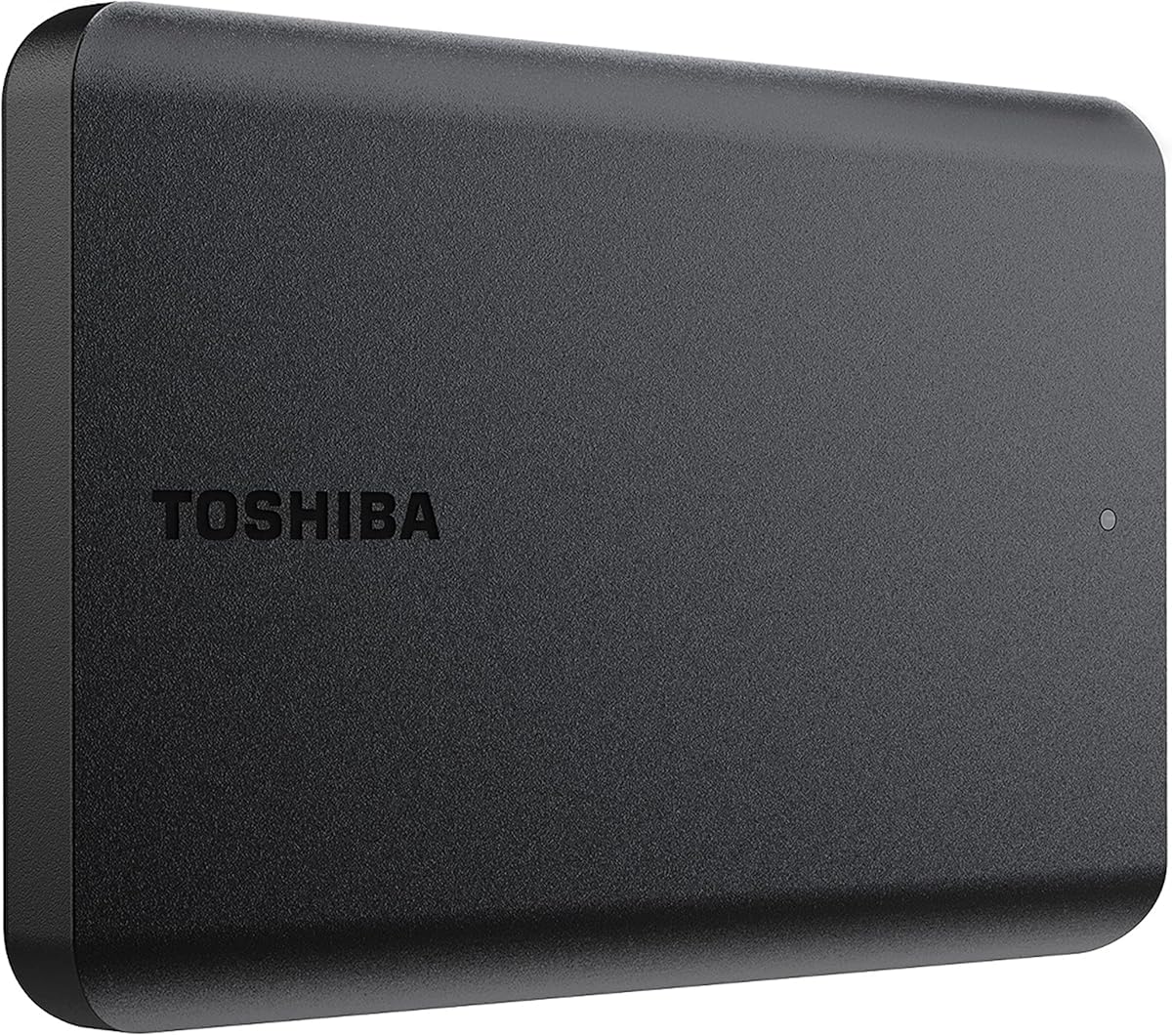
This Toshiba drive has a Compact design with stylish textured finish. It has a 4.6 rating and offers useful software.
We may earn a commission when you buy through this link, at no additional cost to you.
Automatic backup software is available for Windows PC. Password protection software helps prevent unauthorized access.
The USB 3.0 and USB 2.0 are compatible. This ensures fast transfers with older systems.
It offers color options to fit your lifestyle. This makes it a feature-rich option.
Automatic backup software to easily back up your content with free download.
Password protection software to help prevent unauthorized access to your data.
We may earn a commission when you buy through this link, at no additional cost to you.
This Toshiba drive has a Sleek profile design with a matte smudge-resistance finish. It has a 4.6 rating and is easy to use.
We may earn a commission when you buy through this link, at no additional cost to you.
It is Plug and Play with no software to install. You can quickly add more storage capacity to your PC.
The USB 3.0 and USB 2.0 compatible with no external AC power cord needed. It works great on Windows PCs.
It is pre-formatted NTFS for Windows PC. This makes it a simple and effective solution.
Sleek profile design with a matte smudge-resistance finish.
Plug and Play for easy use with no software to install.
We may earn a commission when you buy through this link, at no additional cost to you.
Choosing the right drive requires considering compatibility speed and capacity. These factors ensure the drive works well with Chrome OS.
Ensure the drive is compatible with Chrome OS. Many drives work plug and play but may require formatting for Mac or Chromebook use.
Choose drives labeled compatible with Mac or that use exFAT formatting for broad compatibility.
Consider how much data you need to store. Larger capacities like 2TB or more are ideal for media and backups.
Select capacity based on your needs balancing storage space with portability.
USB 3.0 or higher is essential for fast data transfers. This ensures quick access to your files without delays.
Look for USB 3.0 or 3.2 standards to maximize transfer speeds.
Choose a slim lightweight design if you travel often. A drive that fits in a pocket or laptop bag is ideal.
Prioritize compact drives for on-the-go storage solutions.
Look for shock-resistant cases to protect your data. A sturdy build ensures the drive lasts longer.
Select drives with reinforced designs for better protection.
Bus-powered drives are more convenient as they don't need an external adapter. This reduces cable clutter.
Choose bus-powered drives for simpler setup and mobility.
Check the warranty period for peace of mind. Longer warranties often indicate better quality and support.
Select drives with at least a 2-year warranty for reliability.
Some drives include backup software or password protection. These can enhance security and ease of use.
Consider software features that meet your backup or security needs.
Connect the drive to your Chromebook using the included USB cable. Ensure the connection is secure for proper detection.
Format the drive if necessary using the Chrome OS file manager. Choose exFAT for broad compatibility across devices.
Store the drive in a cool dry place to protect it. Avoid bending or dropping the drive to prevent damage.
Yes most external hard drives work with Chromebook. They typically connect via USB and require no drivers for basic use. Some may need formatting for Chrome OS.
Use exFAT format for best compatibility. It works with Windows Mac and Chrome OS. FAT32 has file size limits so avoid it for large files.
Most drives are plug and play requiring no software. Some include backup tools but these are optional. Chrome OS handles basic file management natively.
It depends on your usage. 1TB is good for documents and photos. 2TB or more suits media and large backups. Consider your growth needs.
SSDs are faster and more durable. They cost more but offer better performance. HDDs are cheaper and good for bulk storage.
Yes you can use it for backups. Use Chrome OS backup tools or third-party apps. Regular backups protect your data from loss.
This guide covers ten top external drives for Chromebook users. Each option offers reliable storage and compatibility.
Prioritize compatibility speed and capacity when choosing. A good drive enhances your Chromebook experience significantly.
Remember to check current deals before buying. Prices vary so look for the best offer available.