
BenQ MA270UP 27" 4K 3840×2160 Monitor for MacBook Pro/Air
4.3Editor score
Mac color match tuning
90W USB-C power delivery
Integrated Mac controls
Finding the right display for your MacBook Pro is crucial for productivity and visual clarity. A great monitor enhances your workflow with sharp resolution and accurate colors that match Apple's Retina display seamlessly.
We evaluated leading models based on connectivity, color gamut, and ergonomic features. Our list covers options from budget-friendly FHD screens to high-end 4K displays designed specifically for Mac users.
Each pick highlights key strengths and potential trade-offs to help you decide. Note that pricing and availability can change frequently, so verify current details before making your final purchase decision today.
4.3Editor score
5.0Editor score

4.4Editor score
As an Amazon Associate we earn from qualifying purchases.
The following table provides a side-by-side comparison of all ten selected monitors, highlighting their resolution, connectivity options, and key features to help you compare specifications quickly.



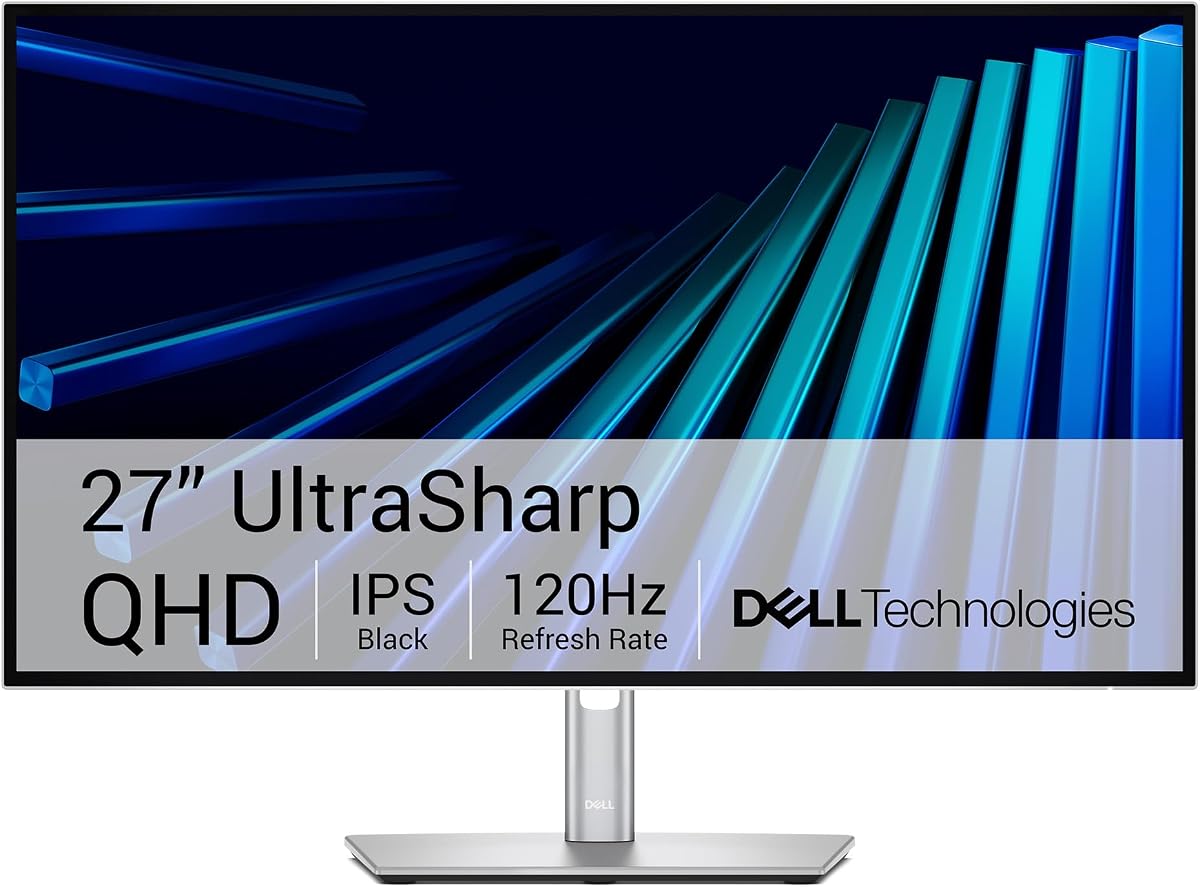
The Dell UltraSharp U2726DER stands out as the top pick for Mac users seeking professional-grade color and connectivity. It boasts a perfect five-star rating and delivers factory-calibrated accuracy straight out of the box for creative workflows.
We may earn a commission when you buy through this link, at no additional cost to you.
Its Thunderbolt hub allows for a single cable setup that powers your MacBook while providing multiple downstream ports. The built-in KVM switch lets you control two machines with one keyboard and mouse, maximizing desk space efficiency.
While the QHD resolution is sharp, it is not as pixel-dense as 4K options. However, the 120Hz refresh rate and deep contrast make it ideal for design and coding where clarity and smooth scrolling matter most.
Professionals who value color fidelity and a clean desk setup will find this monitor invaluable. It is the ideal companion for creative teams needing reliable performance and seamless integration with macOS systems daily.
With 98% Display P3 coverage, colors remain true to life for video editing and photo retouching without needing constant manual calibration adjustments.
The integrated hub supports high-speed data transfer and charging, reducing cable clutter while keeping your MacBook powered during long work sessions.
We may earn a commission when you buy through this link, at no additional cost to you.
The BenQ MA270UP is tailored specifically for MacBook owners, offering exclusive features like Mac Color Match that ensures visuals align perfectly with Apple's display standards for vibrant P3 color accuracy.
We may earn a commission when you buy through this link, at no additional cost to you.
Its dual USB-C ports provide flexibility, delivering 90W power to your MacBook while simultaneously charging accessories like iPads. You can control brightness and volume directly from your MacBook keyboard, enhancing convenience significantly.
The premium price reflects these specialized features, which may not be necessary for general users. However, for those who demand exact color reproduction and streamlined Mac controls, the investment pays off in daily comfort and accuracy.
This monitor is best suited for creative professionals who need reliable Mac integration and high-resolution workspaces. It combines functionality with ergonomic design to support long hours of focused creative production.
Exclusive tuning ensures colors match Apple displays precisely, eliminating the guesswork often associated with third-party monitor calibration on macOS systems.
Dual USB-C connections simplify your desk, allowing you to connect your laptop and peripherals with fewer adapters and power bricks needed.
We may earn a commission when you buy through this link, at no additional cost to you.
The LG 27US500-W offers excellent value by delivering 4K resolution and solid color performance at a very competitive price point. It supports HDR10 content and features a borderless design that looks modern and sleek on any desk.
We may earn a commission when you buy through this link, at no additional cost to you.
Despite being budget-friendly, it includes useful software like the Switch app for multitasking and a Reader Mode to reduce eye strain during long reading sessions. The IPS panel ensures wide viewing angles for consistent colors.
Lack of USB-C power delivery means you may need an extra charger for your laptop. Additionally, the contrast ratio is standard, so blacks may not look as deep as on premium models, but this is acceptable for the price.
Students and home office users seeking high resolution without breaking the bank will appreciate this model. It is a practical entry point into the world of 4K displays for general productivity and media consumption.
The 4K UHD resolution delivers sharp text and detailed images, making it easy to multitask and view multiple windows side by side efficiently.
Built-in reader mode and flicker-safe technology help reduce eye fatigue during extended work hours, promoting better health and focus.
We may earn a commission when you buy through this link, at no additional cost to you.
The Dell S2725QC brings a smooth viewing experience with its 120Hz refresh rate, which is ideal for scrolling and motion. It features ComfortView Plus to reduce blue light while maintaining accurate colors for comfortable daily viewing.
We may earn a commission when you buy through this link, at no additional cost to you.
Its re-engineered sound system offers better audio quality than many standard monitors, reducing the need for external speakers in casual setups. The USB-C connection with 65W delivery helps keep your desk organized and clutter-free effectively.
While the contrast ratio is not as high as premium OLED displays, the vivid colors and sharp text make it a strong contender for general productivity. The price is very competitive compared to other 4K options available today.
Users looking for a balance of performance and value will find this monitor suitable. It works well for both work and light entertainment, making it a versatile addition to any home office environment.
The low blue light feature allows for all-day use without sacrificing color accuracy, protecting your eyes while you work on critical tasks.
Enhanced audio output provides richer sound for meetings and videos, adding convenience to your workspace without extra peripherals or cables.
We may earn a commission when you buy through this link, at no additional cost to you.
The LG 27UP850K-W delivers vibrant visuals with 95% DCI-P3 coverage and HDR 400 compatibility, making content feel immersive and dynamic. It is a strong choice for media enthusiasts who want rich colors in their daily workflow.
We may earn a commission when you buy through this link, at no additional cost to you.
Its connectivity options are extensive, including USB-C with 90W power delivery, DisplayPort, and HDMI, allowing you to connect various devices easily. The built-in Waves MaxxAudio speakers enhance your movie watching or gaming sessions significantly.
The Switch app offers multitasking capabilities, though it may require some time to learn all its features fully. While the price is higher, the combination of color accuracy and utility justifies the cost for power users.
Content creators and multimedia consumers will appreciate the depth and clarity this monitor provides. It is an excellent upgrade for those needing a robust display capable of handling demanding visual tasks effectively.
HDR 400 support brings out details in bright and dark areas, enhancing your experience with streaming services and modern digital content.
Multiple input options ensure you can connect legacy devices alongside modern laptops, offering flexibility for mixed-device workstations.
We may earn a commission when you buy through this link, at no additional cost to you.
The Dell 24 Plus Monitor prioritizes speed and comfort with a 144Hz refresh rate and 1ms response time, making it great for quick scrolling or casual gaming. It maintains visual comfort with TÜV certification for reduced blue light.
We may earn a commission when you buy through this link, at no additional cost to you.
Its compact size and ash white finish make it a stylish addition to smaller desks without overwhelming the space. The height and tilt adjustments help you find the perfect viewing angle for ergonomic seating arrangements.
While FHD resolution is less sharp than 4K, it is sufficient for many work tasks and budget-conscious buyers. The integrated speakers add a layer of convenience for basic audio needs without extra clutter on your desk.
Ideal for users who value smooth motion and eye health over extreme resolution detail. This monitor is a practical choice for general office tasks and light entertainment needs in compact home office settings.
The high refresh rate ensures smooth transitions and rapid action, reducing blur and making fast-paced content look more fluid and responsive.
Adjustable stands help reduce strain on your neck and back by allowing you to position the screen at the optimal height for your posture.
We may earn a commission when you buy through this link, at no additional cost to you.
The Philips 241V8LB delivers solid value with a VA panel that produces deep blacks and vibrant colors for an immersive viewing experience. Its slim bezel design creates a larger visual area that enhances productivity.
We may earn a commission when you buy through this link, at no additional cost to you.
With a 100Hz refresh rate, it offers smoother motion than standard 60Hz screens, which helps reduce eye fatigue during long work sessions. The EasyRead mode optimizes text display for document-heavy work like writing or coding.
Connectivity is standard with HDMI, making it suitable for laptops with HDMI outputs or with an adapter. While it lacks advanced features like USB-C, it serves well as a secondary screen or basic primary display for home use.
Best for budget-conscious users needing a reliable display for basic computing tasks. Its design and performance make it a practical choice for small offices or home study areas requiring consistent visual quality.
The VA panel technology provides deeper blacks compared to IPS screens, enhancing image quality for media consumption and dark-themed interfaces.
The minimal bezel design allows for seamless multi-monitor setups, maximizing screen real estate and improving overall workflow productivity.
We may earn a commission when you buy through this link, at no additional cost to you.
The BenQ PD2706QN is designed for professionals requiring consistent color accuracy, featuring factory calibration with Delta E ≤ 2 out of the box. Its Nano Matte panel diffuses ambient light to minimize glare and preserve contrast during work.
We may earn a commission when you buy through this link, at no additional cost to you.
It supports ICCsync to ensure color consistency between your Mac and the monitor when switching profiles automatically. The 90W USB-C power delivery allows you to connect your MacBook with a single cable for simplicity.
While the QHD resolution is sharp, some users might prefer 4K for text clarity. However, the uniformity adjustment ensures colors remain consistent across the entire screen, which is vital for graphic design and photo editing tasks.
Designers and developers who prioritize color reliability over resolution will find this monitor excellent. Its focus on precision and eye comfort makes it a robust tool for demanding professional workflows and creative production.
The focus on uniformity and factory calibration ensures that designs look the same everywhere, saving time on manual color matching and corrections.
The anti-glare nano matte coating helps reduce reflections from lights, improving focus and reducing eye strain in bright office environments.
We may earn a commission when you buy through this link, at no additional cost to you.
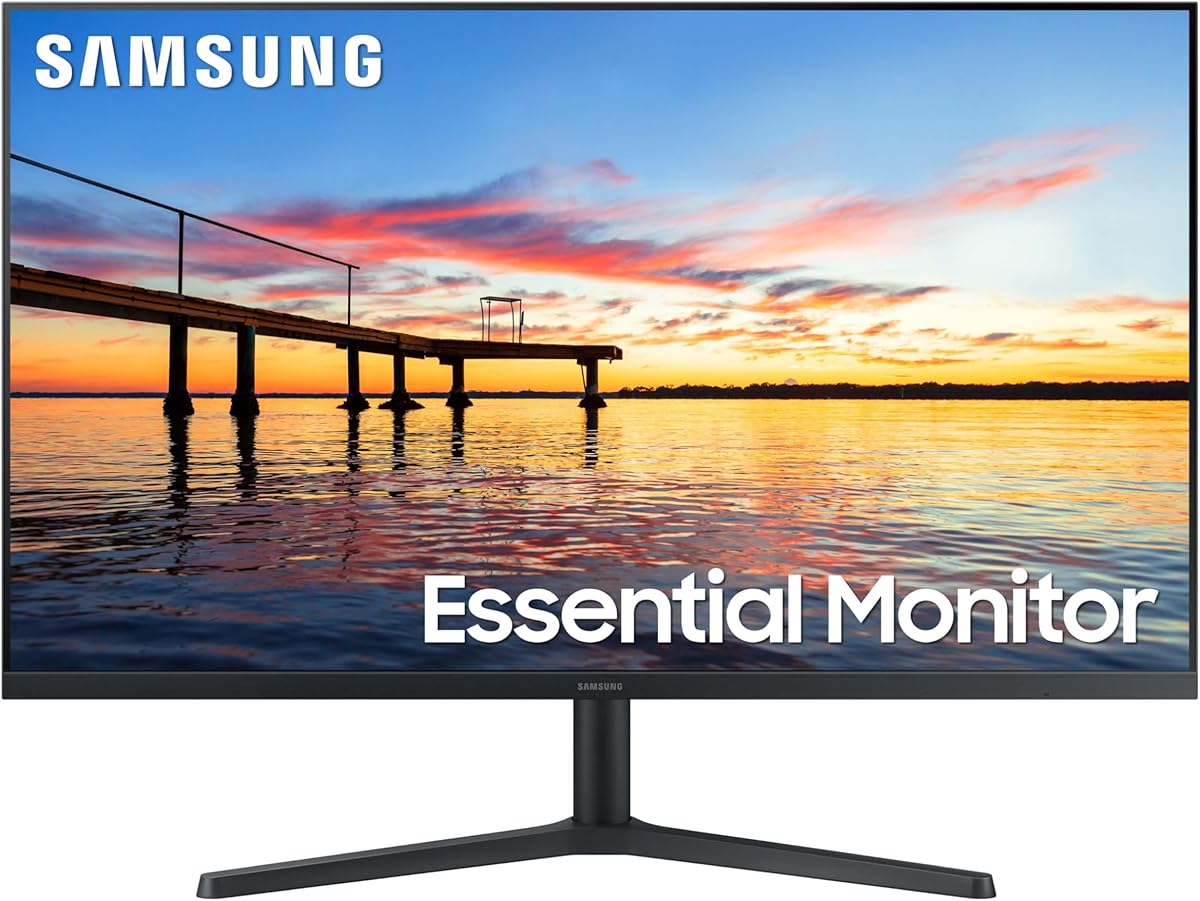
The Samsung 32-inch monitor provides a spacious workspace ideal for multitasking and reading large documents. Its borderless design creates a modern aesthetic that integrates well with various decor styles and desk layouts.
We may earn a commission when you buy through this link, at no additional cost to you.
Eye Saver Mode minimizes blue light to reduce fatigue during long sessions. With a 75Hz refresh rate, it ensures smooth visuals that minimize ghosting for a comfortable viewing experience across different applications.
While the resolution is not high-end, the large size makes text easier to read without zooming. It is a practical choice for users needing more desktop real estate without spending significantly on premium features.
Best for casual users or secondary setups where space and eye comfort are priorities. It offers a reliable display experience for everyday computing and media consumption in home or office environments.
The large screen size allows multiple windows to be open simultaneously, facilitating easier organization and faster navigation across apps.
Blue light filtering technology helps reduce strain during evening use, supporting healthier habits for extended work periods without discomfort.
We may earn a commission when you buy through this link, at no additional cost to you.
The LG 27U631A-B is a solid daily driver offering a 100Hz refresh rate and QHD resolution for crisp visuals. It supports HDR10 for enhanced color depth and includes Reader Mode for comfortable document viewing.
We may earn a commission when you buy through this link, at no additional cost to you.
Its slim stand and virtually borderless design save desk space and maintain a sleek look. The USB-C port provides basic connectivity, although the 15W power delivery is limited to data and low-power charging only.
While it lacks robust hub features, its performance-to-price ratio is strong for general use. The IPS panel ensures consistent colors across viewing angles, making it suitable for collaborative work environments.
Ideal for users seeking a reliable, high-refresh display without premium costs. It balances performance and affordability well for standard office tasks and media consumption needs efficiently.
The 100Hz refresh rate ensures fluid scrolling and motion, reducing strain during rapid navigation and making content feel more responsive.
The slim stand design minimizes footprint, freeing up valuable desk space for other accessories and ergonomic setup adjustments.
We may earn a commission when you buy through this link, at no additional cost to you.
Selecting the right monitor involves balancing resolution, connectivity, and color accuracy to ensure it integrates seamlessly with your Mac workflow.
Higher resolutions like 4K deliver sharper text and more screen real estate, which aligns better with Retina displays. QHD is a good middle ground for those needing detail without extreme cost.
Look for at least 4K or QHD to ensure sharp visuals that match your MacBook Pro's clarity standards.
USB-C with Power Delivery simplifies your setup by charging your laptop and carrying video through one cable. Thunderbolt is ideal for maximum speed and bandwidth needs.
Prioritize monitors with USB-C charging to reduce cable clutter and maintain a clean workspace.
For creative work, a wide color gamut like DCI-P3 or Adobe RGB ensures colors match what you see on your laptop. Factory calibration is a major plus for accurate images.
Choose monitors covering 95% or more of the P3 color space for professional-grade color reproduction.
A higher refresh rate like 100Hz or 120Hz makes scrolling and motion look smoother. Fast response times reduce ghosting during video playback and gaming.
Opt for at least 100Hz if you want fluid motion for media and productivity tasks.
Adjustable stands for height, tilt, and swivel help you find a comfortable viewing position. VESA mount compatibility allows for flexible arm setups.
Ensure the stand offers height adjustment to promote healthy posture during long work sessions.
Features like blue light filters and built-in speakers add convenience and eye comfort. Hub capabilities can turn the monitor into a docking station for peripherals.
Look for eye comfort certifications and audio options to enhance your daily usability experience.
Connect your monitor using the recommended cable, such as USB-C or HDMI, and configure display settings in macOS to match the native resolution and refresh rate.
Clean the screen gently with a microfiber cloth and avoid harsh chemicals that can damage coatings. Keep the ventilation areas free of dust to prevent overheating.
Adjust brightness and contrast to match ambient lighting conditions. Use built-in eye comfort modes during evening hours to reduce strain.
Not strictly, but it simplifies your setup significantly. A USB-C monitor with power delivery allows you to use a single cable for video and charging, reducing cable clutter on your desk.
4K resolution is generally preferred for design work as it offers sharper text and more workspace. QHD is also acceptable for smaller budgets or specific project needs.
Calibrate your monitor regularly using macOS color settings or third-party tools. Choose displays with factory calibration or support for color profile syncing.
Standard 60Hz is adequate for most office work. However, 100Hz or higher provides smoother scrolling and motion, which improves comfort during long tasks.
Yes, most support HDMI which older models can use with an adapter. Check your laptop's available ports and ensure the monitor matches your connectivity needs.
Most recommended models include flicker-free technology and blue light reduction modes to minimize strain during extended use.
Choosing the right monitor depends on your specific needs, whether it is color accuracy for creatives or a large workspace for multitaskers.
Prioritize connectivity and resolution to ensure a seamless experience with your MacBook Pro. Consider ergonomic features to maintain comfort throughout the workday.
Prices and models change frequently, so always check current deals and availability before making your purchase decision.