
Dell SE2426HG
4.7Editor score
240Hz refresh rate
0.5ms response time
FreeSync Premium
TUV certified eye comfort
Finding the perfect display for competitive gaming requires careful consideration of refresh rates, response times, and sync technologies. A 24 inch G Sync monitor offers an ideal balance of speed and visual fidelity for esports enthusiasts who demand precision.
We evaluated ten top-rated models based on panel technology, adaptive sync support, and overall build quality. Our comparison focuses on how each unit handles fast-paced action while maintaining color accuracy and minimizing motion blur during intense sessions.
Each selection highlights specific strengths tailored to different gaming needs and budgets. Please note that pricing fluctuates frequently, so verify current costs before making your final decision to ensure you get the best value available today.
4.7Editor score

4.4Editor score

4.5Editor score
As an Amazon Associate we earn from qualifying purchases.
This table provides a side-by-side overview of the leading 24 inch G Sync monitors available this month. Compare key specifications like refresh rates and response times to find the model that aligns with your performance expectations.




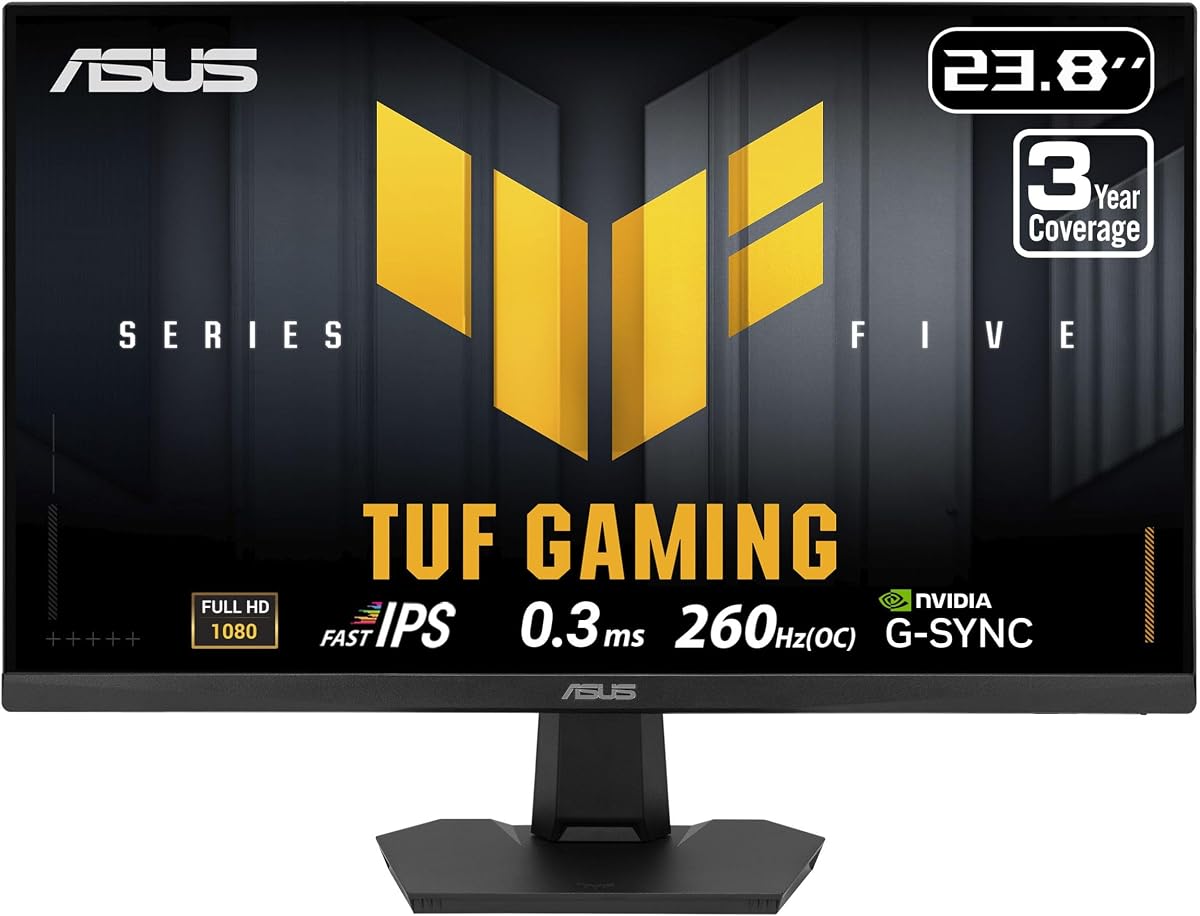
The ASUS TUF Gaming VG249QML5A stands out as a top contender for competitive players seeking speed and reliability. With a 240Hz refresh rate and 0.3ms response time, it delivers fluid visuals that minimize motion blur effectively during fast-paced shooters.
We may earn a commission when you buy through this link, at no additional cost to you.
Its Fast IPS panel ensures vibrant colors and wide viewing angles, while G-Sync compatibility prevents screen tearing. The monitor includes useful gaming features like ELMB Sync to reduce ghosting without sacrificing variable refresh rates for smooth gameplay.
While HDR support is basic and brightness is moderate, the focus remains on responsive gaming. The stand allows height adjustment which is rare at this price point, improving long-term comfort during extended session.
Recommend this monitor for serious esports gamers who prioritize frame rates and input lag. It balances performance and ergonomics better than most budget alternatives, making it a solid investment for competitive setups.
ELMB Sync technology eliminates ghosting while maintaining adaptive sync, ensuring sharp motion tracking in rapid action scenes.
The height-adjustable stand promotes better posture, reducing neck strain during long gaming marathons.
We may earn a commission when you buy through this link, at no additional cost to you.
The Dell SE2426HG offers incredible value for gamers seeking high refresh rates without breaking the bank. Its 240Hz display ensures smooth motion, while FreeSync Premium prevents tearing during intense gaming sessions.
We may earn a commission when you buy through this link, at no additional cost to you.
Color accuracy remains strong with 99% sRGB coverage, suitable for both gaming and content creation. The TUV Rheinland certification indicates effective blue light reduction, protecting eyes during extended use.
Although it lacks height adjustment and uses a simple tilt stand, the performance per dollar is hard to beat. Input lag is minimal, making it ideal for competitive shooters where reaction time matters.
Choose this if you need a reliable, fast monitor on a tight budget. It delivers essential features for high-performance gaming without unnecessary extras that drive up costs.
Certified low blue light technology reduces strain during long sessions without compromising color quality.
High refresh rates are accessible here at a price point that rivals much slower displays.
We may earn a commission when you buy through this link, at no additional cost to you.
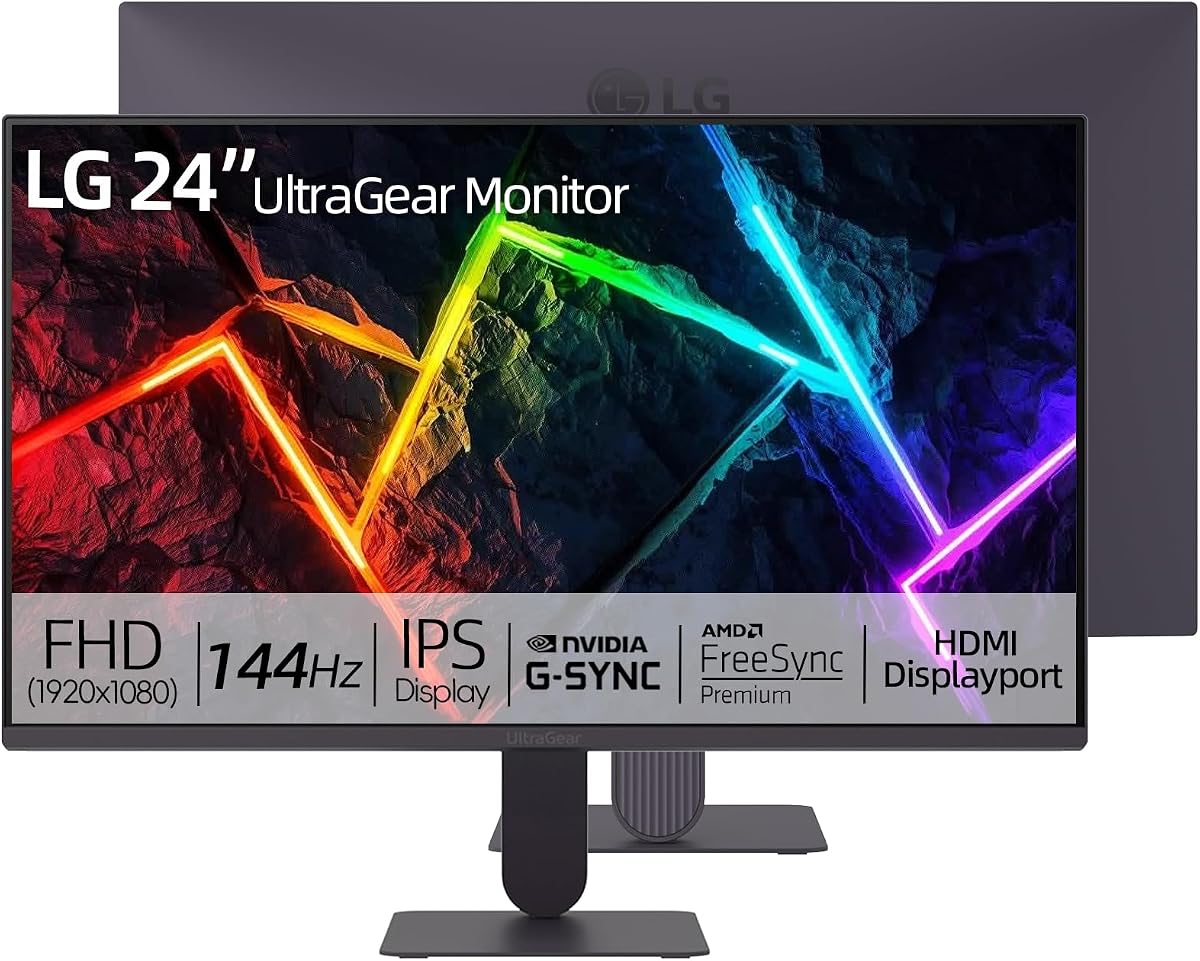
The LG 24G411A-B combines style and performance with its ultra-slim bezels and vivid IPS panel. HDR10 support adds depth to supported content, while 144Hz overclocking ensures fluid motion in demanding titles.
We may earn a commission when you buy through this link, at no additional cost to you.
G-Sync and FreeSync compatibility guarantees tear-free gameplay across different GPU brands. Dynamic Action Sync reduces input lag, and Black Stabilizer improves visibility in dark game areas for tactical advantage.
While the stand only tilts, the sleek design maximizes screen real estate. The Switch app aids multitasking, allowing screen splits for work and gaming without extra hardware.
This model suits players who value aesthetics alongside performance. Its balanced feature set and reliable sync tech make it a premium choice for modern gaming environments.
This feature reduces input lag significantly, helping players react faster in competitive matches.
Enhances visibility in dark scenes, allowing you to spot enemies hidden in shadows.
We may earn a commission when you buy through this link, at no additional cost to you.
LG's 24G414B-B delivers consistent 144Hz performance with a focus on clarity and immersion. The IPS panel produces rich visuals, while G-Sync compatibility ensures smooth frame delivery across varying game loads.
We may earn a commission when you buy through this link, at no additional cost to you.
Built-in stereo speakers offer convenience for casual use, though headsets remain preferable for competitive audio. Black Stabilizer and Dynamic Action Sync enhance visibility and response, crucial for tactical shooters.
The monitor adjusts for tilt and height, offering better posture support than many rivals. Its design prioritizes field of view with minimal bezels, keeping distraction to a minimum.
Ideal for gamers needing a reliable display without extra frills. Its features cover essential gaming needs while maintaining a clean, professional look for any desk setup.
Convenient speakers provide basic sound for media consumption without needing external peripherals.
Tilt and height adjustments help maintain comfortable viewing angles during long sessions.
We may earn a commission when you buy through this link, at no additional cost to you.
The ASUS TUF Gaming 24-inch model pairs a 200Hz refresh rate with 0.3ms response times for ultra-smooth gameplay. Its anti-glare matte surface reduces reflections, making it suitable for bright rooms.
We may earn a commission when you buy through this link, at no additional cost to you.
FreeSync Premium and G-Sync compatibility ensure fluid visuals without tearing. The monitor supports multiple operating systems including Windows, Mac, and Linux, offering flexibility for mixed-use setups.
Color accuracy is solid with 99% sRGB coverage, but ergonomics remain limited to tilt adjustments. The design focuses on performance and durability rather than elaborate aesthetic features.
Choose this for straightforward high-speed gaming without extra cost. It delivers strong motion clarity and broad compatibility for both gaming and general productivity tasks.
Matte coating reduces reflections effectively in brightly lit environments for clearer viewing.
Compatible with Mac and Linux systems, expanding its utility beyond standard PC setups.
We may earn a commission when you buy through this link, at no additional cost to you.
This LG Ultragear monitor offers a refined 144Hz experience with accurate colors and minimal motion blur. The IPS panel ensures consistent brightness across viewing angles, and HDR10 enhances supported media content.
We may earn a commission when you buy through this link, at no additional cost to you.
G-Sync and FreeSync technologies keep gameplay smooth regardless of frame rate fluctuations. Black Stabilizer and Dynamic Action Sync provide practical tools for aiming and reacting in combat scenarios.
Its slim bezels maximize the screen area, and VESA compatibility simplifies wall mounting or arm setups. The tilt-only stand limits posture options but fits compact desks effectively.
It's an excellent choice for users prioritizing color quality and reliability. The high customer rating reflects consistent performance and build quality across daily use.
Standard mounting holes allow flexible placement on arms or walls for cleaner desk layouts.
Ultra-slim bezels create a seamless viewing experience when using multiple monitors side by side.
We may earn a commission when you buy through this link, at no additional cost to you.
With a perfect rating, this LG model proves reliability and user satisfaction. Its overclocked 144Hz refresh rate ensures fluid motion while HDR10 adds depth to supported games and media.
We may earn a commission when you buy through this link, at no additional cost to you.
G-Sync compatibility eliminates tearing effectively across NVIDIA and AMD setups. Dynamic Action Sync minimizes input lag, and Black Stabilizer helps identify targets in shadowed game areas.
Color performance remains accurate with 99% sRGB coverage, beneficial for creative work. The minimalist design reduces distractions, focusing attention on the display content during use.
Users seeking dependable performance will appreciate its consistent delivery. It balances essential gaming features with strong visual quality at a competitive market position.
Boosting refresh rate from 120Hz to 144Hz reduces motion blur for smoother visuals.
99% sRGB coverage ensures vibrant and true-to-life colors for both games and content.
We may earn a commission when you buy through this link, at no additional cost to you.
ASUS delivers exceptional speed with a 200Hz refresh rate and 0.3ms response time on this 24-inch display. ELMB Sync technology further reduces ghosting, maintaining sharp motion clarity during high-speed gaming.
We may earn a commission when you buy through this link, at no additional cost to you.
Color accuracy remains strong with 99% sRGB, and flicker-free technology protects eyes from strain. HDMI and DisplayPort inputs support versatile connectivity for PCs and consoles alike.
VESA compatibility allows flexible mounting options beyond the included tilt stand. The monitor balances high-speed gaming performance with features that support extended daily use comfortably.
Gamers prioritizing minimal input lag and fast response will find this ideal. It pairs competitive performance with robust eye-care features for sustained productivity and play.
Low blue light and flicker-free features reduce eye fatigue during extended viewing sessions.
Reduces motion blur while keeping variable refresh rate enabled for smooth gameplay.
We may earn a commission when you buy through this link, at no additional cost to you.
This LG monitor earns a perfect score through consistent performance and user satisfaction. Its IPS panel delivers rich colors with HDR10 support, while G-Sync compatibility ensures seamless frame synchronization.
We may earn a commission when you buy through this link, at no additional cost to you.
Dynamic Action Sync reduces input lag, and Black Stabilizer enhances visibility in dark scenes. The ultra-slim bezels create an immersive view with minimal distractions during gameplay.
Ergonomics focus on tilt and VESA mounting flexibility rather than height adjustments. This keeps the design clean while supporting custom setups via third-party mounts.
Users seeking a polished and reliable display will appreciate its quality. It delivers strong gaming features with excellent color fidelity for both entertainment and creative tasks.
HDR10 technology provides deeper contrasts and more realistic lighting in supported content.
VESA support allows easy integration with monitor arms for optimal desk space usage.
We may earn a commission when you buy through this link, at no additional cost to you.
The ASUS TUF VG249QM5F pushes speed boundaries with 260Hz overclocking and 0.3ms response times. ELMB Sync ensures crisp motion even at extreme frame rates, keeping competitive edges sharp during action.
We may earn a commission when you buy through this link, at no additional cost to you.
FreeSync Premium and G-Sync eliminate tearing effectively, and 99% sRGB ensures accurate visuals. Bonus Adobe Creative Cloud and a 3-year warranty add significant value to the purchase.
Connectivity includes HDMI 2.1 and DisplayPort 1.4 for future-proofing. Built-in speakers and tilt adjustment provide essential features without excessive complexity.
This model targets hardcore competitive gamers demanding top speed. Its performance and included benefits justify the premium price for serious players focused on advantage.
260Hz overclocking delivers ultra-fluid motion for the highest levels of competitive play.
Adobe Creative Cloud subscription enhances utility beyond gaming for creators on the same device.
We may earn a commission when you buy through this link, at no additional cost to you.
Selecting the right G Sync monitor involves weighing several technical factors that influence performance and comfort. This section outlines key aspects to consider before making your purchase.
Refresh rate determines how many frames per second your screen can display, directly affecting motion smoothness. For competitive gaming, aim for at least 144Hz, with higher rates like 240Hz offering even greater fluidity.
Higher refresh rates require powerful hardware to fully utilize, so ensure your GPU can support the target frame rates consistently.
Response time measures how quickly pixels change color, impacting motion blur and ghosting. Look for monitors rated at 1ms or lower for the sharpest visuals during fast action.
Fast response times ensure that moving objects remain clear, which is crucial for targeting and reaction in shooters.
IPS panels offer the best color accuracy and viewing angles, making them ideal for vibrant visuals and multitasking. TN panels may be faster but suffer from poor color quality, while VA panels excel in contrast.
Choose IPS for a balanced experience that supports both gaming and creative work without compromising visual fidelity.
Adaptive sync technologies like G-Sync and FreeSync match the monitor's refresh rate with your GPU's output to eliminate tearing. G-Sync Compatible certification ensures reliable performance across various graphics cards.
Always verify that your GPU supports the specific sync technology chosen to avoid compatibility issues during gameplay.
Ergonomic features like height adjustment and tilt help maintain a comfortable viewing angle, reducing neck strain. A good stand is essential for long sessions where posture matters significantly for health.
If the included stand lacks height adjustment, ensure the monitor supports VESA mounting for third-party arm solutions.
Sufficient ports like HDMI and DisplayPort are necessary for connecting consoles, PCs, or multiple devices. DisplayPort 1.4 supports higher refresh rates and resolutions better than older HDMI versions.
Check your existing hardware's outputs to ensure the monitor provides compatible ports without needing extra adapters or cables.
High sRGB coverage ensures colors appear vivid and true to life, important for both gaming and content creation. A wider gamut can enhance immersion in single-player games with rich environments.
Look for monitors advertising 99% or higher sRGB coverage to guarantee accurate color reproduction right out of the box.
Prices vary based on features like refresh rates, panel quality, and ergonomic adjustments. Determine which specs are non-negotiable to avoid overspending on extras you may not use frequently.
Balancing performance needs with available budget ensures you get the best value without compromising essential gaming capabilities.
Connect the monitor using a high-quality DisplayPort or HDMI cable to ensure it supports the full refresh rate. Configure graphics driver settings to enable G-Sync and match the monitor's native resolution for optimal performance.
Adjust brightness and contrast based on room lighting to prevent eye strain. Use built-in presets or calibrate manually to achieve accurate colors for games and media consumption.
Clean the screen gently with a soft microfiber cloth to avoid scratches. Avoid harsh chemicals and keep the unit away from direct sunlight to maintain panel longevity over time.
Most G Sync Compatible monitors support AMD FreeSync technology as well, making them compatible with AMD graphics cards. You can enable FreeSync in the monitor's OSD and AMD drivers for smooth gameplay without tearing.
G-Sync requires dedicated hardware inside the monitor, while G-Sync Compatible uses standard adaptive sync protocols validated by NVIDIA. Compatible models are more affordable but still offer reliable tearing prevention with supported GPUs.
Yes, many models with IPS panels offer 99% sRGB coverage and accurate colors suitable for design and photo editing. Look for monitors with high color accuracy to ensure your work matches intended outputs.
Yes, 144Hz provides a significant improvement over 60Hz and is sufficient for most competitive players. Higher rates like 240Hz offer marginal gains that only top-tier pros typically notice during gameplay.
Ghosting can occur if the response time is too slow or settings are misconfigured. Enable overdrive or motion blur reduction features in the OSD to sharpen moving visuals effectively.
Check if the monitor supports VESA mounting standards like 100x100mm. If so, you can attach a VESA wall mount bracket securely to the back panel and hang it safely.
DisplayPort is generally recommended for G-Sync as it supports higher bandwidth for high refresh rates. HDMI works too, but ensure it is version 2.0 or higher to avoid bandwidth limits.
Most models include tilt stands for basic adjustments. If you need height adjustment, check the product details as some budget units may lack this feature entirely.
Our top picks like the ASUS TUF VG249QML5A and Dell SE2426HG deliver exceptional value for competitive gamers. They balance refresh rates, response times, and color accuracy effectively for most needs.
Prioritize adaptive sync compatibility and ergonomic features based on your specific setup. Choosing a monitor that matches your GPU and desk space ensures a smoother experience from day one.
Prices fluctuate frequently, so always check current listings before buying to secure the best deal available today.