
ASUS ROG Strix G16 (2025)
4.4Editor score
Intel Core i7 14650HX Processor
RTX 5060 GPU with DLSS 4
165Hz FHD+ Display
Finding the right gaming laptop can be challenging with so many options available today. The ASUS ROG Strix line offers a wide range of models tailored for different needs and budgets. Whether you need raw power for AAA titles or a versatile machine for creative work, this lineup has something for everyone.
We have carefully analyzed ten current ROG Strix models to help you make an informed decision. Our comparison focuses on key aspects like processor performance, graphics capabilities, display refresh rates, and thermal management. Each entry highlights the unique strengths that make it stand out in the competitive gaming laptop market.
Every product pick includes detailed specifications and real-world usage scenarios to guide your choice. We explain what makes each model suitable for specific tasks and who will benefit most from its features. Please note that availability and pricing can change frequently so always check current listings before purchasing.
4.4Editor score

4.3Editor score

4.3Editor score
As an Amazon Associate we earn from qualifying purchases.
This side-by-side comparison breaks down the key specifications and features of ten ASUS ROG Strix laptops. Each entry highlights the processor graphics GPU display type and cooling technology to help you quickly identify the model that fits your performance needs and budget constraints.




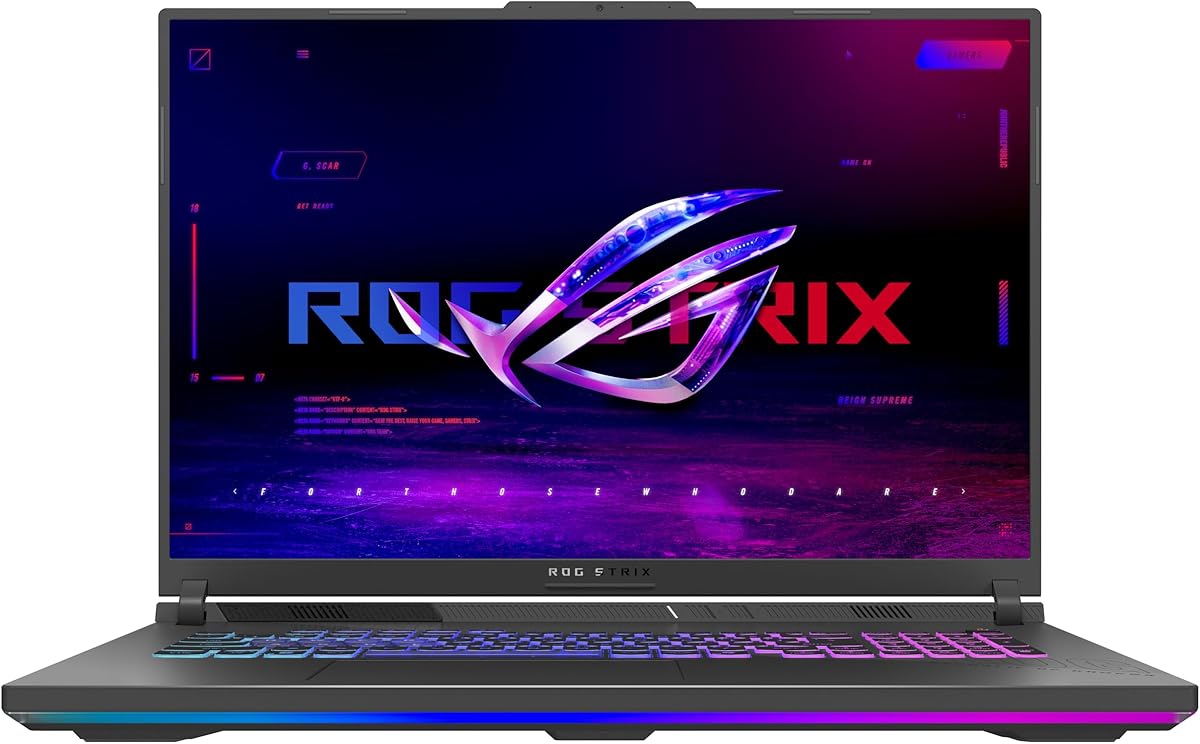
The ASUS ROG Strix G16 (2025) stands out as an excellent entry point for gamers seeking solid performance without breaking the bank. Boasting a 4.4 rating this model delivers reliable power for modern titles through its Intel Core i7 processor and RTX 5060 GPU. It balances cost and capability effectively making it a top contender in the budget segment.
We may earn a commission when you buy through this link, at no additional cost to you.
Powered by NVIDIA Blackwell architecture this laptop supports DLSS 4 and Max-Q technologies for optimized frame rates and efficiency. The 165Hz FHD+ display with ACR film ensures smooth visuals and reduced glare during intense sessions. Its advanced cooling system featuring tri-fan technology and liquid metal keeps thermals in check even under sustained loads.
While it lacks some premium features like a MUX Switch or higher refresh rates the trade-offs are acceptable for the price point. The 16GB DDR5 RAM and 1TB Gen 4 SSD provide ample room for multitasking and storage. Users will appreciate the full-surround RGB lightbar that syncs with peripherals for a cohesive aesthetic experience.
This model is ideal for students and casual gamers who prioritize value over extreme specs. It handles AAA titles well and offers a polished build quality with professional stealth modes. For those needing more power later the platform supports upgrades. We recommend it as a smart first choice in the ROG Strix lineup.
The combination of i7 processor and RTX 5060 ensures smooth gameplay across popular esports and AAA titles without compromise.
The FHD+ display with ACR film offers sharp contrast and reduced glare for comfortable viewing in various lighting conditions.
We may earn a commission when you buy through this link, at no additional cost to you.
This ROG Strix G16 variant earns our Editor's Choice for its compelling mix of high-end specs and refined features. With a 4.3 rating it showcases the latest Intel Core Ultra 9 processor and RTX 5070 Ti GPU for next-level performance. It is designed for users who demand speed and visual fidelity in their gaming and creative workflows.
We may earn a commission when you buy through this link, at no additional cost to you.
The 240Hz ROG Nebula display offers stunning visuals with 2.5K resolution and an ACR film for better contrast. Inside the Blackwell-based GPU supports advanced features like DLSS 4 and Max-Q for efficiency. The 32GB DDR5 RAM ensures smooth multitasking while handling heavy workloads like video editing or 3D rendering without lag.
While the price is higher than entry models the performance gain justifies the investment for enthusiasts. ROG Intelligent Cooling with vapor chamber and liquid metal keeps the system quiet and efficient during long sessions. The customizable RGB lightbar adds a stylish touch that can be dimmed for professional environments when needed.
Enthusiast gamers and content creators will find this laptop meets their demanding requirements. It balances raw power with portability better than many competitors in its class. Future-proofing is excellent with Wi-Fi 7 and fast storage. We highly recommend it for those seeking a premium all-rounder.
The 240Hz ROG Nebula panel provides crisp detail and rapid response for competitive gaming and media consumption.
Intel Core Ultra 9 delivers advanced AI capabilities and robust single-core performance for demanding applications.
We may earn a commission when you buy through this link, at no additional cost to you.
The Scar 18 offers a desktop replacement experience with its immersive 18 inch screen and top-tier specs. It holds a 4.3 rating for delivering breathtaking visuals via Mini LED technology and HDR support. This is the choice for users who prioritize screen real estate and color accuracy alongside raw gaming power.
We may earn a commission when you buy through this link, at no additional cost to you.
Equipped with a RTX 5070 Ti and Ultra 9 processor it handles AAA titles at high settings with ease. The AniMe Vision lid allows text animations for unique personalization. Advanced cooling with liquid metal ensures sustained performance while MUX Switch boosts gaming frames by up to 10 percent through direct routing.
While the weight and price are notable trade-offs the feature set justifies the premium positioning. The inclusion of Windows 11 Pro and 3 months of Game Pass adds value for professionals. Tool-free access for upgrades means you can adapt storage and memory later. This model shines for immersive home setups.
Professional streamers and power users will appreciate the combination of size performance and customizability. It is ideal for stationary gaming rooms rather than travel. The HDR display ensures content looks its best. We recommend it for those seeking the ultimate visual experience in a laptop.
The 18 inch Mini LED display offers incredible brightness and contrast for lifelike gaming and creative work.
AniMe Vision lid allows you to showcase animations text or art for a truly personalized aesthetic.
We may earn a commission when you buy through this link, at no additional cost to you.
This variant pairs a premium processor with a high refresh rate display but uses a mid-range GPU. It holds a 4.0 rating indicating solid performance with some trade-offs. The Core Ultra 9 provides strong multi-threaded performance ideal for creation and multitasking while the screen supports 240Hz for smooth visuals.
We may earn a commission when you buy through this link, at no additional cost to you.
The ROG Nebula display features ACR film and Dolby Vision HDR for rich colors and contrast. Although the RTX 5060 is less powerful than the Ti models it still handles most modern titles well at 2.5K resolution. The 16GB DDR5 memory ensures daily tasks run smoothly without bottlenecks.
Critics may note the CPU GPU mismatch limits gaming potential compared to other models. However for workloads like coding or video editing the processor shines. The cooling system with vapor chamber and tri-fan tech maintains comfort during use. It serves well as a creator laptop that can game on the side.
Creative professionals who also game occasionally will find this a balanced option. It emphasizes display quality and processing power over raw GPU stats. For strict gaming enthusiasts a higher GPU model may be better. We suggest this for hybrid users valuing screen clarity and productivity.
Ultra 9 processor and high-resolution screen support demanding creative software and color-accurate workflows.
Dolby Vision HDR enhances content playback with deeper blacks and more vivid colors for media enjoyment.
We may earn a commission when you buy through this link, at no additional cost to you.
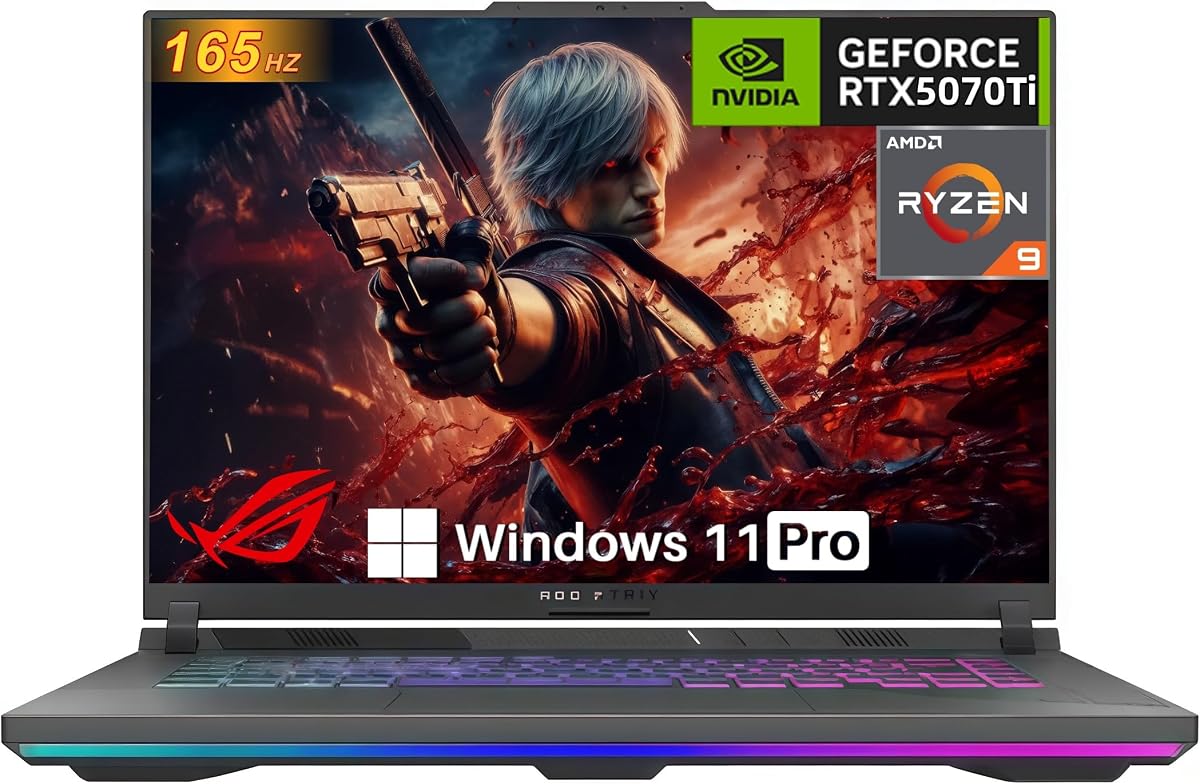
This AMD-based Strix G16 offers a compelling alternative to Intel models with a robust Ryzen 9 processor. While rating data is not yet available its specs promise strong multitasking and gaming capabilities. It uses the RTX 5070 for high frame rates and supports Blackwell architecture for efficiency and advanced features.
We may earn a commission when you buy through this link, at no additional cost to you.
The 165Hz display ensures smooth gameplay while ACR film reduces glare. The MUX Switch boosts gaming performance by up to 10 percent by routing frames directly from the dGPU. Advanced Optimus improves battery life by switching between graphics as needed making it versatile for mobile use.
Potential buyers should note it uses Wi-Fi 6E rather than the newer Wi-Fi 7 found in Intel variants. Still the cooling system with full-width heatsink and tri-fan design keeps heat managed effectively. The customizable RGB lightbar syncs with peripherals for style. It is a strong choice for AMD enthusiasts.
Users who prefer AMD processors will appreciate the balanced specs and cooling. It handles AAA titles well and supports modern connectivity for daily tasks. For those needing the latest wireless speeds check other models. We recommend it as a solid value pick in the AMD segment.
Ryzen 9 processor delivers high core counts for multitasking and productivity without sacrificing gaming speed.
Advanced Optimus and MUX Switch allow for better battery life during work and maximum performance during play.
We may earn a commission when you buy through this link, at no additional cost to you.
This model boasts a perfect 5.0 rating highlighting strong user satisfaction. It combines a Ryzen 9 processor with a high TGP RTX 5070 Ti for serious gaming performance. The 32GB RAM ensures smooth multitasking while the cooling system keeps the laptop stable during extended sessions of gaming or editing.
We may earn a commission when you buy through this link, at no additional cost to you.
The 165Hz display offers a wide color gamut and anti-glare coating for comfortable viewing. Advanced Optimus switches graphics modes seamlessly to extend battery life when not gaming. Connectivity includes RJ-45 which is rare in thin laptops appealing to network users. The RGB keyboard supports Aura Sync for personalization.
Some may miss the newer Wi-Fi 7 but the existing 6E standard remains fast and reliable. The full-surround RGB lightbar syncs with peripherals for a cohesive setup. With ample storage and memory it handles large libraries easily. It is a highly recommended option for those seeking reliability.
Gamers and streamers will appreciate the balanced specs and strong feedback. It offers desktop-level performance in a portable form factor. The perfect rating suggests consistent quality across units. We recommend it for buyers who value user proven and strong performance.
A perfect rating indicates consistent build quality and performance that meets or exceeds user expectations.
RJ-45 Ethernet port ensures stable wired connections for competitive gaming and professional networking.
We may earn a commission when you buy through this link, at no additional cost to you.
This variant delivers exceptional performance with a 4.9 rating and tool-free access for easy upgrades. It uses a Ryzen 9 processor and RTX 5070 Ti for high frame rates and creative work. The cooling system with liquid metal and vapor chamber ensures sustained performance without overheating during demanding tasks.
We may earn a commission when you buy through this link, at no additional cost to you.
The tool-free Q-latch SSD system allows quick swaps for storage upgrades. A removable frame protects other hardware for deeper access by advanced users. The MUX Switch increases gaming frames significantly while Advanced Optimus saves battery during lighter use. The ACR film on display reduces glare for clarity.
While specs may vary slightly this model focuses on user-friendly maintenance and raw power. The cooling design keeps fan noise in check even under full load. With PCIe Gen 5-ready slots it remains relevant for years. It is ideal for gamers who want to maintain or upgrade later.
Users valuing longevity and ease of service will prefer this configuration. It balances raw specs with practical design for long-term satisfaction. The high rating reflects user trust in its build. We recommend it for those planning to keep their laptop for many years.
Tool-free access allows users to upgrade RAM and storage quickly without special tools or technical stress.
Conductonaut Extreme liquid metal and vapor chamber ensure heat dissipates efficiently for stable performance.
We may earn a commission when you buy through this link, at no additional cost to you.
This 2026 model pushes performance to the limit with an RTX 5080 GPU and a 5.0 rating. It features a Nebula HDR display for stunning visuals and supports Wi-Fi 7 for fastest connectivity. The cooling system with tri-fan tech keeps the powerful components cool during intensive gaming or rendering tasks.
We may earn a commission when you buy through this link, at no additional cost to you.
The 240Hz display ensures fluid motion while Dolby Vision HDR brings colors to life. A MUX Switch boosts gaming performance by 5 to 10 percent while Advanced Optimus saves battery. Tool-free access means users can upgrade components easily without needing special tools. It supports up to 64GB RAM.
Its premium price reflects the top-tier specs and future-proofing. For those seeking the best gaming laptop performance this offers unmatched speed and quality. The 3 months of Game Pass adds value for new titles. It is a flagship choice for power users who want the latest tech.
Professional gamers and content creators will find this machine exceeds expectations. It handles 4K rendering and high settings gaming with ease. The perfect rating signals excellent build and reliability. We recommend it for buyers seeking ultimate performance without compromise.
RTX 5080 and Core Ultra 9 deliver top-of-the-line power for 4K gaming and heavy professional workloads.
Nebula HDR with Dolby Vision provides exceptional brightness and color accuracy for immersive viewing.
We may earn a commission when you buy through this link, at no additional cost to you.
This model stands out with 2TB storage and 32GB RAM making it ideal for large libraries and multitasking. It holds a 4.2 rating reflecting solid user satisfaction. The Core Ultra 9 and RTX 5070 deliver strong performance for gaming and creative work. The 240Hz display ensures smooth visuals for competitive play.
We may earn a commission when you buy through this link, at no additional cost to you.
Dolby Vision HDR and ACR film enhance the screen experience with rich colors. Wi-Fi 7 ensures fast connectivity while the ROG cooling system maintains stable temperatures. Windows 11 Pro adds features useful for professional users like remote desktop and advanced security. The RGB lightbar syncs with peripherals.
While the price is higher the added storage and memory offer long-term value. Users won't need immediate upgrades for space or RAM. The 360-degree RGB bar adds style without being intrusive. It balances gaming with professional workflows effectively. This is a strong all-around machine for demanding needs.
Power users and professionals who need space will appreciate this configuration. It supports heavy workloads and large data sets with ease. The Pro OS adds utility beyond gaming. We recommend it for those prioritizing storage and memory capacity.
A 2TB SSD provides ample room for games applications and media without constant management.
Windows 11 Pro brings advanced features useful for business and enterprise environments.
We may earn a commission when you buy through this link, at no additional cost to you.
This G18 variant emphasizes screen size and processor power while using an entry-level GPU. It holds a 4.4 rating indicating solid performance for general users. The 18 inch display offers plenty of workspace and the Ryzen 9 ensures smooth multitasking. The cooling system handles thermals effectively during daily use.
We may earn a commission when you buy through this link, at no additional cost to you.
The 144Hz display is sufficient for most games and media tasks. ACR film reduces glare and enhances contrast for a better experience. The RGB lightbar syncs with keyboard and ROG peripherals for a cohesive look. Wi-Fi 6E keeps connections fast and stable for online play.
While the RTX 5050 limits high-end gaming it works well for esports and older titles. The large chassis allows for better airflow and sustained performance. It is a good fit for users who prioritize screen real estate over raw frame rates. The 1TB SSD provides decent storage space.
Casual gamers and students will find this a comfortable and powerful daily driver. It balances performance and screen size well for home use. For competitive gaming a higher GPU is needed. We recommend it for users prioritizing a large display and productivity.
An 18 inch display offers expanded workspace for multitasking and immersive media consumption.
Tri-fan tech and full-width heatsink ensure stable performance even during long sessions.
We may earn a commission when you buy through this link, at no additional cost to you.
Selecting the right ASUS ROG Strix laptop requires understanding your primary use cases and budget. This guide breaks down the key factors to consider before making your purchase.
The CPU and GPU determine how well the laptop handles gaming and creative workloads. Look for Intel Core Ultra or AMD Ryzen 9 processors for multi-threaded tasks and NVIDIA RTX 50-series GPUs for modern gaming features like DLSS 4. Higher tier GPUs like the 5080 offer desktop-level performance but come at a premium price.
Prioritize the GPU for gaming and the CPU for production work. Balance your budget to ensure both components meet your needs without bottlenecking.
Refresh rates like 165Hz 240Hz or 300Hz impact motion smoothness. Competitive gamers benefit from higher rates while creators prefer color-accurate Nebula HDR panels. Resolution ranges from FHD+ to 2.5K affecting sharpness and GPU load. ACR films reduce glare and improve contrast significantly.
Choose a display that matches your usage. High refresh for gaming and HDR for creative media production offer distinct advantages.
16GB RAM is standard but 32GB supports heavier multitasking and future software. PCIe Gen 4 SSDs offer fast load times and up to 7000MB/s throughput. Consider models with 2TB storage if you have large libraries or project files. Tool-free access slots allow easy upgrades without opening the case.
Opt for at least 32GB for future-proofing. Check for upgrade paths in the base model to reduce long-term costs.
Advanced thermals with vapor chambers and liquid metal prevent throttling during intensive sessions. Tri-fan technology ensures sufficient airflow to keep the system quiet and cool. Models with MUX switches can also route graphics directly to the display boosting performance without thermal penalties.
A robust cooling system extends hardware life and maintains consistent performance. Look for ROG Intelligent Cooling features in high-end models.
Modern models support Wi-Fi 7 for ultra-fast wireless speeds and lower latency. Ethernet ports like RJ-45 or 2.5G ensure stable connections for competitive play. USB-C 4 and HDMI 2.1 allow versatile external monitor setups and fast data transfers. Check for enough USB-A ports for peripherals.
Ensure the port selection matches your current and future needs. Wi-Fi 7 is ideal for next-gen wireless environments.
The chassis should feel sturdy and include practical details like stealth modes for lighting. RGB lightbars and AniMe Vision add aesthetic flair for customization. Ergonomics matter for long sessions so check keyboard travel and screen hinge quality. A removable frame aids in maintenance.
Evaluate the physical build for durability and ease of maintenance. A good chassis protects internals and improves user comfort.
Windows 11 Home suits most gamers while Pro adds features for business and enterprise. Some models include Game Pass passes or additional software benefits. Check for driver support and gaming optimization tools from ROG Armoury Crate. Software can streamline performance tuning.
Match the OS to your environment. Pro offers management tools while Home covers general gaming needs effectively.
Prices vary widely across models. Entry-level units offer performance per dollar while premium ones push limits with top specs. Consider long-term value by looking at upgradeability and warranty. A higher price might be justified by future-proofing like Wi-Fi 7 or MUX Switch.
Set a realistic budget and prioritize features that matter most. Balance immediate needs with future longevity.
Start by installing all available BIOS and driver updates through ROG Armoury Crate. This ensures hardware compatibility and maximizes performance. Use the system tuning modes to balance power and thermal output based on your tasks.
Maintain cooling efficiency by keeping vents clear and using the laptop on a hard surface. Dust can accumulate in fans over time so clean them periodically with compressed air. Avoid blocking airflow during gaming sessions.
Regularly update your GPU drivers to access latest game optimizations. Use the RGB tools to customize lighting or switch to stealth mode for professional meetings. These small steps preserve the laptop's health and enhance your daily experience.
Yes especially models with RTX 5070 Ti or 5080 GPUs and high-resolution Nebula displays. The multi-core CPUs handle rendering well and the color-accurate screens assist in professional workflows. 32GB RAM ensures smooth editing of 4K footage.
Most ROG Strix models feature tool-free access for RAM and SSD upgrades. Look for models with SO-DIMM slots and Q-latch SSD systems for easy swaps. This extends the laptop's lifespan and allows customization to your needs.
Gaming laptops prioritize performance over battery but Advanced Optimus helps save power during non-gaming tasks. Expect around 6 to 8 hours for general use but less during heavy gaming. Always carry the power adapter for optimal performance.
ROG Strix offers higher-end specs and better cooling compared to TUF. Strix models often include premium features like MUX Switch and Nebula displays. TUF is more budget-friendly but lacks some of the advanced tech found in Strix.
Yes all models support external displays via HDMI 2.1 and USB-C 4. You can drive multiple 4K screens for productivity. The MUX switch ensures smooth output from the dedicated GPU to external monitors.
Yes the powerful CPUs and GPUs handle encoding and gaming simultaneously. The 32GB RAM ensures smooth multitasking while streaming software runs. The cooling systems prevent overheating during long broadcast sessions.
The ASUS ROG Strix lineup offers diverse options from entry-level gaming machines to premium powerhouse laptops. Our top picks highlight the best balance of performance display quality and value available today.
When choosing prioritize your primary tasks such as gaming rendering or general productivity. Balance your budget with the features that matter most like GPU tier display resolution and upgrade paths.
Keep in mind that availability and pricing change frequently so always verify current listings before purchasing. With the right model you will have a powerful machine ready for years of gaming and creative work.