
Redragon M808 Storm Lightweight RGB Gaming Mouse
4.5Editor score
85 gram weight
Honeycomb shell
RGB lighting
Find the lightest mice for gaming in this expert guide comparing top wireless and wired options for speed, precision, and comfort in competitive play.
Competitive gamers know that weight matters when every millisecond counts. The lightest mice for gaming reduce fatigue and improve accuracy during long sessions. We selected ten top models designed to help you dominate the competition.
Our team analyzed specs, sensor quality, and ergonomic designs to build this list. We focused on models under eighty-five grams that maintain build quality. Each pick offers unique features for different grip styles and budgets.
Each product review highlights key strengths and potential trade-offs for buyers. You will find detailed specs and real-world usage notes here. Prices fluctuate often so check current listings before you purchase.
4.5Editor score

4.5Editor score

4.3Editor score
This table compares ten top wireless and wired lightweight gaming mice. You will see weight, sensor, and connectivity specs side by side. Use this data to find the perfect match for your setup.

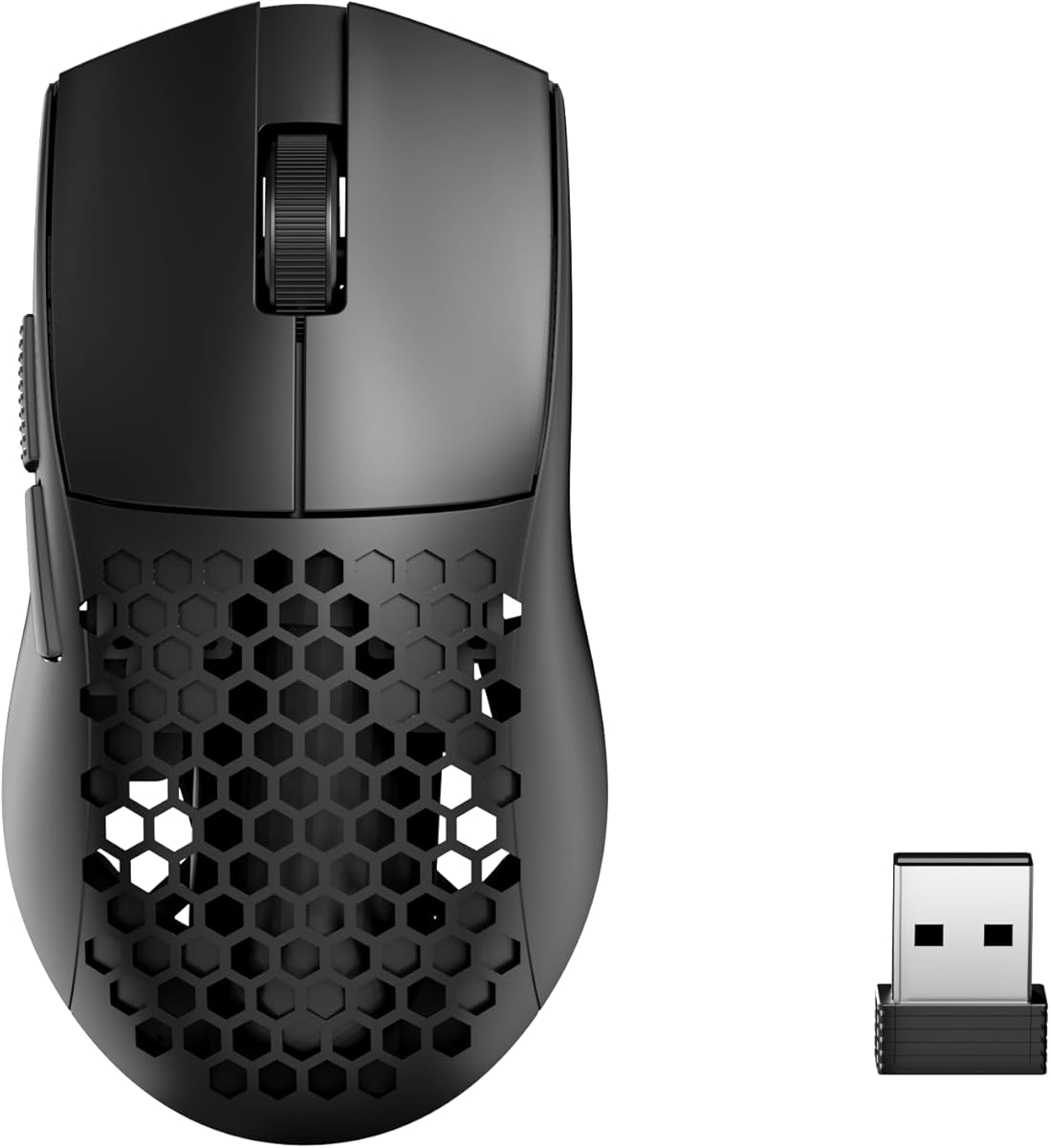


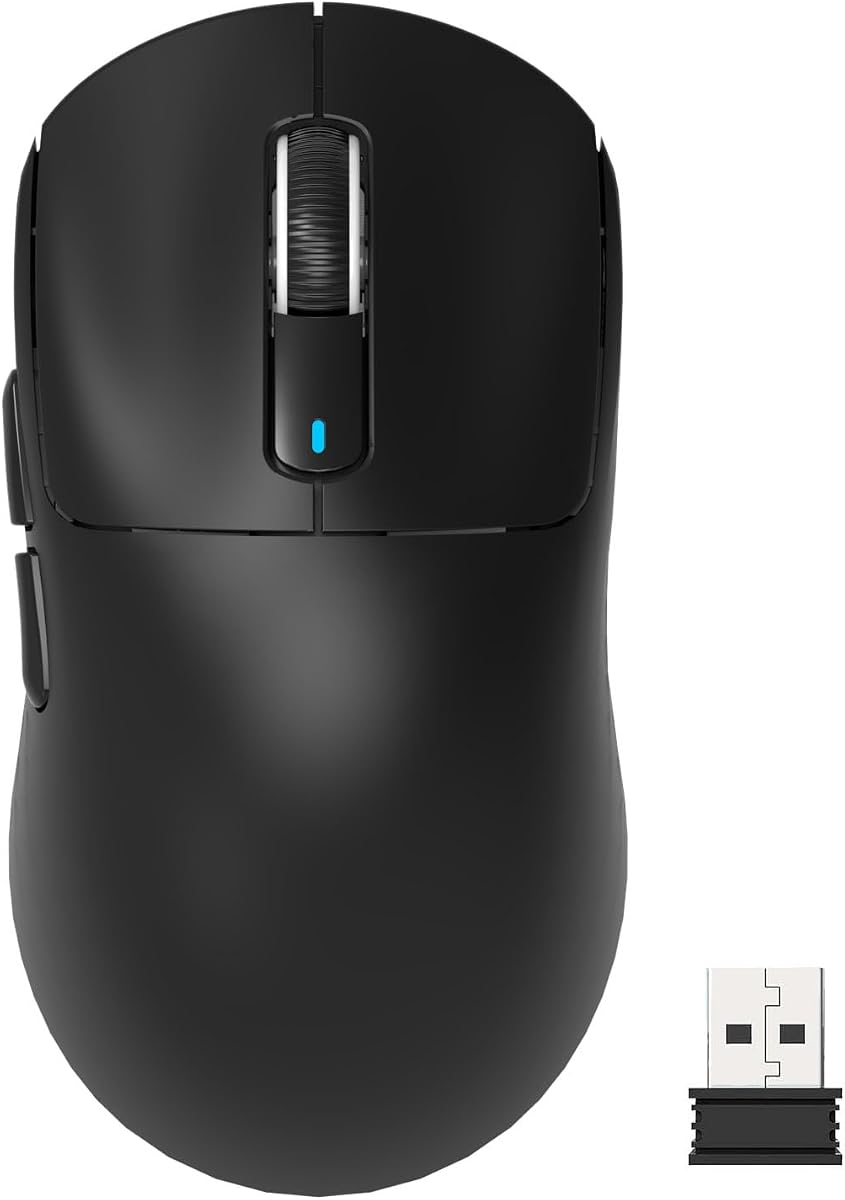


This wireless gaming mouse earns top marks for speed and precision. It weighs only sixty grams and features the new HERO 2 sensor. Gamers love its smooth glide and responsive switches for competitive play.
We may earn a commission when you buy through this link, at no additional cost to you.
The sensor delivers flawless tracking even on glass surfaces. It supports an 8 kHz polling rate for ultra-low latency. Battery life reaches ninety-five hours on a single charge making it reliable for long sessions.
Some users may find the cost higher than other options. It also lacks RGB lights which some prefer for aesthetics. However performance and weight outweigh these downsides for serious players.
Competitive FPS players should consider this mouse for its accuracy. It suits claw and fingertip grips well. If you want the best tech available this is the top pick to buy.
The HERO 2 sensor tracks over 800 IPS with zero smoothing. This ensures your aim stays true during fast movements.
USB-C charging provides power quickly. You can also use POWERPLAY for wireless charging if compatible.
We may earn a commission when you buy through this link, at no additional cost to you.
This mouse redefines lightweight gaming with a build under forty grams. It uses the XS-1 sensor and optical switches for fast reactions. The shape supports claw and relaxed claw grips well.
We may earn a commission when you buy through this link, at no additional cost to you.
Performance remains high despite the feather light construction. Tracking is precise and switches offer crisp tactile feedback. Included skates ensure smooth glides on hard mousepads.
The mini size might feel small for larger hands. It is also priced higher than average options. But for pure speed and weight it stands out as a top contender.
FPS enthusiasts seeking the lightest option should buy this. It works best with claw grips. You will notice the difference in quick flicks immediately.
The XS-1 sensor offers 32,000 DPI and 750 IPS. This delivers unmatched precision for competitive shots.
Optical switches prevent accidental double clicks. They ensure every click registers cleanly and fast.
We may earn a commission when you buy through this link, at no additional cost to you.
This wireless mouse offers solid performance at a fair price. It weighs 82 grams which is light enough for most. The FOCUS PRO 30K sensor ensures accurate tracking on any surface.
We may earn a commission when you buy through this link, at no additional cost to you.
Battery life reaches 280 hours on one AA battery. Hyperspeed wireless keeps latency low during intense matches. On mouse DPI control lets you change speed without menus.
It is heavier than the lightest models available. The AA battery adds bulk compared to rechargeable units. Still it brings trusted reliability without a high cost.
Gamers wanting balance between weight and budget should pick this. It fits claw and palm grips. You get great tech without spending a fortune.
The FOCUS PRO 30K sensor tracks on glass. This offers flexibility for your desk setup.
Efficient design allows 280 hours of play. You rarely need to replace the battery.
We may earn a commission when you buy through this link, at no additional cost to you.
This wireless mouse brings lightweight gaming to a lower cost. It weighs only forty-nine grams with a honeycomb design. You get tri-mode connectivity for wireless and wired flexibility.
We may earn a commission when you buy through this link, at no additional cost to you.
The shell keeps hands cool during long sessions. Buttons are programmable via dedicated software. Tracking is smooth for general gaming tasks.
Software lacks depth compared to high-end brands. The honeycomb shell may collect dust over time. But for the price it delivers great value.
New gamers or those on a tight budget will love this. It suits small to medium hands. You get essential features without overspending.
Air circulation keeps palms dry. This helps during heated gaming moments.
Switch between Bluetooth and 2.4GHz easily. Use wired mode for stable data.
We may earn a commission when you buy through this link, at no additional cost to you.
This mouse is a classic for travel and casual play. It weighs around 3.4 oz and offers great battery life. The HERO sensor delivers precise tracking with high efficiency.
We may earn a commission when you buy through this link, at no additional cost to you.
LIGHTSPEED wireless ensures low latency gaming. A nano receiver stores inside the mouse body. It is compact for travel or laptop use.
It is heavier than top ultra-light picks today. Some want more modern features like high polling rates. Yet it remains a reliable choice for many.
Travel gamers and office users should consider this model. It fits well in bags. You get solid performance without bulk.
HERO sensor uses 10x less power. This extends play time on one battery.
Nano receiver stores inside the mouse. You lose nothing when moving.
We may earn a commission when you buy through this link, at no additional cost to you.
This wireless mouse offers top specs at a mid range price. It weighs just 39 grams with ergonomic design. Optical switches ensure crisp clicks for every action.
We may earn a commission when you buy through this link, at no additional cost to you.
You get tri-mode connectivity and an 8K receiver. The sensor delivers 26,000 DPI for speed. Customization is easy with the included driver software.
It is less established than big names. You may need time to learn the software. But features rival higher priced rivals today.
Players wanting light weight and high tech should try this. It works for claw and fingertip styles. You save money without losing quality.
39 grams helps you move faster. This reduces arm strain significantly.
Supports Bluetooth and wired modes too. Switch when you need stability.
We may earn a commission when you buy through this link, at no additional cost to you.
This wireless model brings flagship sensors to a lighter price. It weighs 49 grams with a PAW3395 sensor. Kailh GM8.0 switches ensure fast click registration.
We may earn a commission when you buy through this link, at no additional cost to you.
Tri-mode connectivity supports gaming and work needs. The ergonomic shape fits various hand sizes well. Performance rivals top tier options in tests.
It is a compact mouse so large hands may prefer more room. The driver takes time to configure fully. But it brings great value for the price.
Gamers seeking a small wireless mouse should consider this. It suits fingertip grips best. You get top tech for less cash.
PAW3395 tracks 650 IPS accurately. This gives you full control in games.
Kailh switches last 80 million clicks. They provide crisp tactile feel.
We may earn a commission when you buy through this link, at no additional cost to you.
This medium mouse delivers speed with a wider shape. It weighs just 39 grams for easy handling. The XS-1 sensor tracks flawlessly during fast moves.
We may earn a commission when you buy through this link, at no additional cost to you.
Optical switches and DOT skates improve feel. The dust-proof build keeps gears clean. You get great control for claw and fingertip grips.
It is priced higher than average models. Colors remain limited to white or black. Still performance matches the best in its class.
FPS players wanting a medium shape should buy this. It offers precision without extra bulk. You will enjoy smooth glides every time.
DOT skates reduce friction on pads. This lets you aim with more control.
Dust-proof design keeps internals safe. This extends product life.
We may earn a commission when you buy through this link, at no additional cost to you.
This mini mouse is made with pro input for grip. It weighs 49 grams for easy use. The ROG AimPoint Pro sensor tracks on glass.
We may earn a commission when you buy through this link, at no additional cost to you.
Tri-mode connectivity supports wired and wireless needs. SpeedNova ensures low latency for matches. Omni Receiver links devices for a tidy desk.
It is small so palm grippers may feel cramped. Cost is higher than budget picks. But shape and tech justify the price for pros.
Esports players with small hands should choose this. It fits claw and fingertip grips. You get precision and speed together.
Co-developed with pros for grip. This offers better control for aim.
Wireless tech keeps latency low. You stay in sync with the game.
We may earn a commission when you buy through this link, at no additional cost to you.
This RGB mouse brings style at a low price. It features an 85g shell with cutouts. You get 7 buttons and customizable lighting.
We may earn a commission when you buy through this link, at no additional cost to you.
The hive aesthetic looks sharp on desks. A low-drag cable keeps weight down. Buttons are redefinable for your game.
It is heavier than top options. The sensor is basic compared to flagship models. Yet for cost and looks it wins.
Casual gamers who want RGB should pick this. It suits various grip styles. You save money while getting great style.
Software lets you pick colors and effects. This matches your setup vibe.
Super-Lite cable reduces friction. This adds to your comfort.
We may earn a commission when you buy through this link, at no additional cost to you.
Selecting the right lightweight mouse requires checking specs that match your play style. We break down key factors to help you decide.
Lighter mice reduce arm strain and allow faster flicks. Most pros use mice under fifty grams. Heavier units may feel stable but tire your wrist. Pick a weight that suits your session length.
Look for models below fifty grams for speed.
A top sensor ensures accurate tracking without jitter. Look for DPI above 25,000 and high IPS. Flawless tracking matters on glass pads. Avoid cheap sensors that skip moves.
Check for flagship sensors like PAW3395 or HERO.
Ergonomic shapes match grip styles like claw or palm. Small hands need mini mice while large hands need more space. Symmetrical shapes offer flexible handling. Try to feel a unit before buying.
Choose a shape that fits your hand size.
Wireless mice offer freedom but wired ones avoid lag. Modern wireless uses low latency tech like 2.4GHz. Tri-mode allows Bluetooth and wired options. Decide what suits your setup.
Ensure wireless latency stays under 1ms.
Optical switches prevent double clicks. Mechanical switches offer tactile feedback. Both have long lifespans. Choose switches that give you clear clicks.
Optical switches offer faster response.
Wireless units need power to last long play. Good mice offer 70+ hours. Rechargeable is preferred over AA batteries. Check charging options like USB-C.
Look for 70+ hours of play time.
Cost ranges from budget to premium models. Budget mice lack top sensors but offer value. Premium picks bring flagship tech. Decide your limit and find best value.
Balance cost with needed features.
Customization helps tailor DPI and macros. Look for intuitive software. Basic software limits control. Good software enhances your play.
Check driver availability before buying.
Clean the sensor lens and skates weekly with a microfiber cloth. Dust affects tracking speed and accuracy. Keep the mouse dry to avoid damage.
Calibrate your DPI to your play style. High speeds suit flicks while low suits aiming. Adjust in game settings.
Store mice in a padded case to protect lightweight shells. Avoid dropping them to prevent damage. This extends their lifespan.
Yes lighter mice reduce wrist fatigue and improve aim speed. Many pros favor them for better reaction times. It depends on your comfort needs.
Some are light but built strong with quality parts. Materials like reinforced plastics offer durability. Look for trusted brands to avoid breakage.
Most players prefer under fifty grams for speed. It balances control and ease of use. Test units to find your best weight.
Some sensors track on glass but many need textured surfaces. Check sensor specs before buying for that surface.
Use a microfiber cloth and dry wipe. Avoid water on electronics. This keeps sensors working properly.
Modern wireless has low latency tech. They match wired speed. Good for setups without cables.
This guide compared ten top lightweight gaming mice for speed and value. We highlighted the Logitech G PRO X Superlight 2 as top pick for pros. Budget options like Redragon bring low weight too.
Prioritize sensor quality and shape when you buy. Choose a weight that matches your play style. Wireless works well for most gamers.
Prices change often so check listings before you buy. Find the best deal for your needs today. This choice helps your game improve.